

'/%3E%3C/svg%3E)



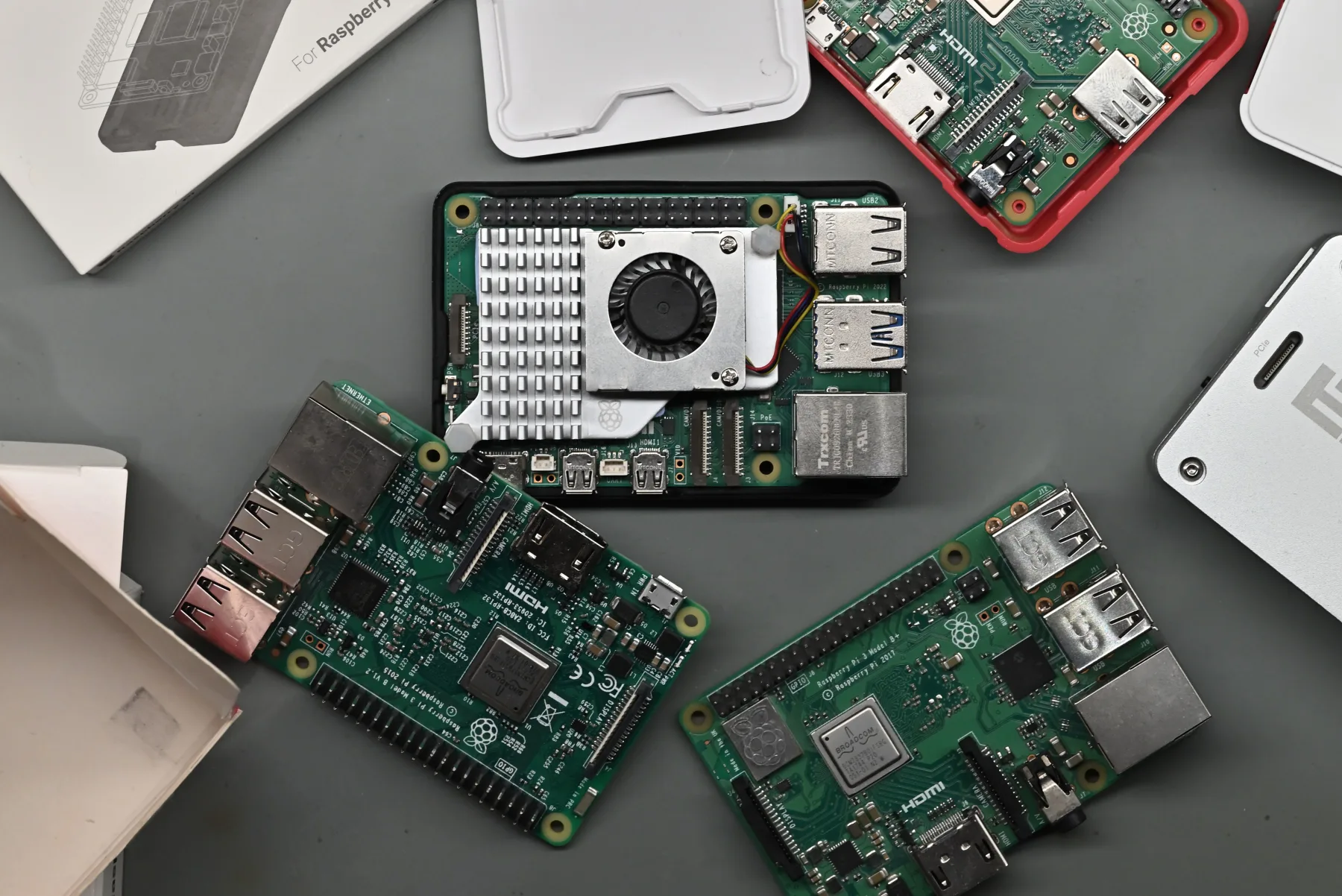
As AI datacenters sprout to serve us yet another LLM, it’s not only our energy infrastructure and waterways that are paying the price. Memory manufacturers can’t keep up with the ever-increasing demand, diverting their limited stock to high-paying corporate contracts, leaving everyday consumers stranded amidst a drought driven by a technology that is, at its core, deeply flawed.
Since late 2025, there’s been a steady rise in the price of technology across the board. If a device uses any remotely significant amount of memory, chances are that it’s more expensive than it used to be. Unfortunately, effects extend even into our little single-board computer niche, and it’s nowhere as obvious as it is with the beloved Raspberry Pi range.
A short history of Raspberry Pi prices
$35 has been the go-to price for one of these boards for the longest time. The original Raspberry Pi 1 Model B, as well as the Raspberry Pi 2 Model B and Raspberry Pi 3 Model B have all launched at this MSRP, and have stuck to it through their entire life cycle. A computer at $35 is mighty impressive, but that’s not taking into account the even cheaper boards. The Raspberry Pi 1 Model A and the Raspberry Pi 3 Model A both launched at $25, while Raspberry Pi Zero models further undercut this with a $5 Raspberry Pi Zero, $10 Raspberry Pi Zero W, and finally, the $15 Raspberry Pi Zero 2 W.
The Raspberry Pi 4 lineup, released in 2019, was the first to offer multiple RAM configurations. The base, 1 GB model stayed true to the $35 tradition. Higher-end configurations, packing up to 8 GB of RAM saw the price reaching a record high of $75. Those around during this era might remember some criticism and discomfort about the mere notion of these upmarket models existing, especially deep within the maker community.
And then, 2023 brought with it the Raspberry Pi 5. With four times the memory of its entry-level Raspberry Pi 4 predecessor, the base Raspberry Pi 5 model started at $60, with a higher-end 8 GB variant also available at $80. 2024 brought a new base model to the series, a 2 GB unit priced at $50, and early 2025 brought a new flagship 16 GB model, at $120.
And then that same December, instead of gifts, Santa Claus brought us price increases. Granted, these were initially mild. $10 here, $5 there, maybe a $25 hike if you were really aiming for the highest-memory configurations. But then came February, and then came April, and both of these had something in common: further price rises for Raspberry Pi boards. And, this time around, increases weren’t mild. With prices jumping to $205 for the 16 GB Raspberry Pi 5 in February, and then further increasing to $305 in April, things started looking… difficult. Raspberry Pi 4 prices were also affected, climbing to $165 for the 8 GB model.
But perhaps the worst fate was met by the company’s all-in-ones, with the Raspberry Pi 500+ now retailing for $410 (it launched at $200) and the Raspberry Pi 500 retailing for $180 (up from $90).
As a valiant disaster relief effort, two new cut-down SKUs were introduced: a 1 GB Raspberry Pi 5 model, priced at $45, and a 3 GB (yes, three) Raspberry Pi 4 model retailing for $83.75. Raspberry Pi Zero 2 W prices are still stable, protecting that $15 entry-level cost. Phew.
Below is the current pricing list for the most popular Raspberry Pi models currently sold.
| Model | Current price |
|---|---|
| Raspberry Pi 4 (2GB) | $35 |
| Raspberry Pi 4 (3 GB) | $83.75 |
| Raspberry Pi 4 (4 GB) | $100 |
| Raspberry Pi 4 (8 GB) | $165 |
| Raspberry Pi 5 (1 GB) | $45 |
| Raspberry Pi 5 (2 GB) | $65 |
| Raspberry Pi 5 (4 GB) | $110 |
| Raspberry Pi 5 (8 GB) | $175 |
| Raspberry Pi 5 (16 GB) | $305 |
| Raspberry Pi 500 (8 GB) | $180 |
| Rapsberry Pi 500+ (16 GB) | $410 |
| Raspberry Pi Zero 2 W (512 MB) | $15 |
So, what to pick?
In summary, what once was a $15-to-$120 range is now a $15-to-$410 buffet. And if you’re looking for a Raspberry Pi to do what Raspberry Pis have always done: educational embedded computing, simple (or not-so-simple) robotics projects or maker-y home automation projects and servers, you’re going to be much happier looking at the lowest end of things.
The rational hobbyist choice: Raspberry Pi Zero 2 W
For $15, you’d be hard-pressed to find a more capable computer on the market. Sure, 512 MB of RAM is lackluster, and its four Arm Cortex-A53 cores won’t be winning any speed contests, but with built-in wireless connectivity and oodles of software support, the Raspberry Pi Zero 2 W makes for a damn fine set-it-and-forget-it board. Need a quick and dirty Pi-hole machine? Want to set up HomeBridge so your smart lightbulbs and air purifiers and all other whatchamacallits can all talk to each other? Need an à la Arduino board with a little more oomph for your electronics projects? Yeah, that’s a Raspberry Pi Zero 2 W. Several of these boards sit around our office reliably toiling away, so we can vouch for them.
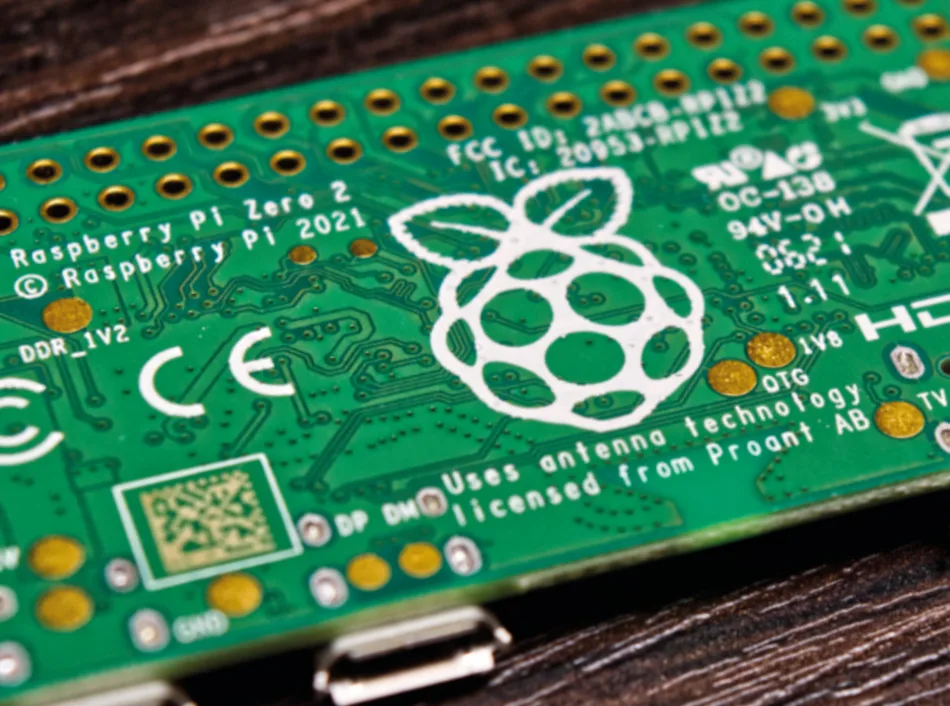
And the best part? It’s still $15, just like when it launched. It’s among the rare Raspberry Pi boards that you’re currently not overpaying for, so your every dime is well spent.
We’ve already written an in-depth article about the littlest Pi, so give it a look if you’re interested about the finer details. With arguably more software that runs out of the box than even the Raspberry Pi 5, due to its older architecture, the Raspberry Pi Zero 2 W might just be the most rational choice for many.
The all-rounder: Raspberry Pi 5 (1 GB)
This $45 board might seem like an odd choice to recommend. After all, you could get three Raspberry Pi Zero 2 W units for the price, or a Raspberry Pi 4 with double the RAM for $10 less. But those $45 that you’ll have to shell out for the entriest-of-levels Raspberry Pi 5 gets you some inherent quality-of-life improvements and nice-to-haves that might be of importance.
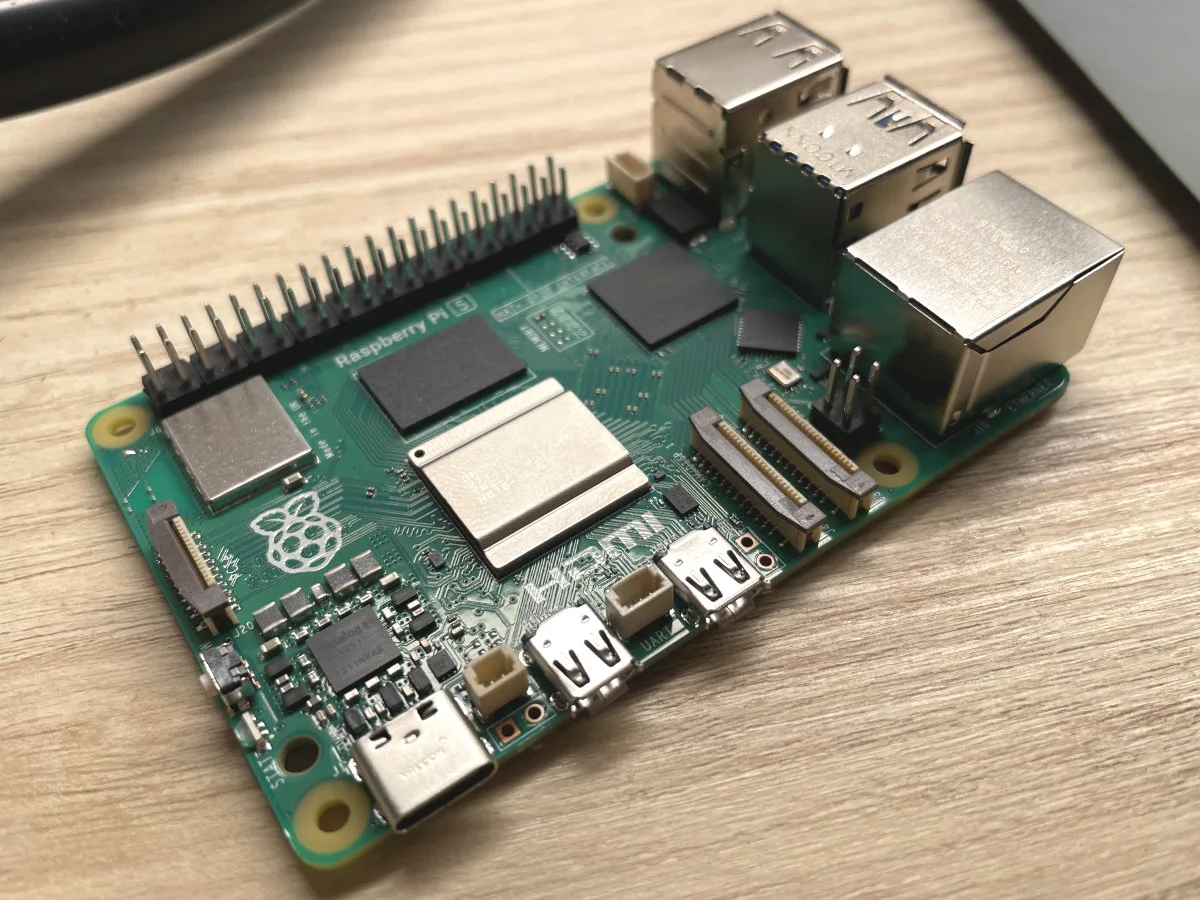
All Raspberry Pi 5 boards ship with a significantly more powerful Arm Cortex-A76 CPU, which is around six times faster than the Raspberry Pi Zero 2 W’s CPU, and around twice as fast as the Raspberry Pi 4’s.
Not only that, but the Raspberry Pi 5 uniquely features a PCIe 2.0 lane that can be used to attach all sorts of external hardware, including NVMe SSD drives and AI accelerators (and some madmen have even used it for desktop GPUs). And before you furrow your brow at us for mentioning AI on a platform with so little RAM — Raspberry Pi’s own AI HAT+ 2 is the reason we’ve mentioned PCIe in the first place. Should you ever decide to dip your toes in local inference, the AI HAT+ 2’s 8 GBs of built-in RAM and a Hailo-10H NPU lets it crunch numbers independently from the host system. It’s expensive, at $200, but as it’s a Raspberry Pi 5–exclusive accessory, the cheapest, 1 GB Raspberry Pi 5 makes for the most cost-effective host.
On top of that, you get all the benefits of a full-sized Raspberry Pi. This includes good wireless connectivity, dual HDMI ports, a gigabit Ethernet port, and four full-size USB ports (two USB 2.0 and two USB 3.2 Gen 1), as well as dual MIPI CSI/DSI ports. That’s quite an upgrade from two dated Micro USB ports found on the Zero 2 W, while the PCIe connector gives it an edge over even the Raspberry Pi 4!
But this Raspberry Pi 5 is no daily driver, with modern operating systems finding 1 GB of RAM just as underwhelming as 512 MB. For best results, you’ll want to stick to Raspberry Pi’s official Raspberry Pi OS, preferably sticking to the CLI, as desktop interfaces can get laggy.
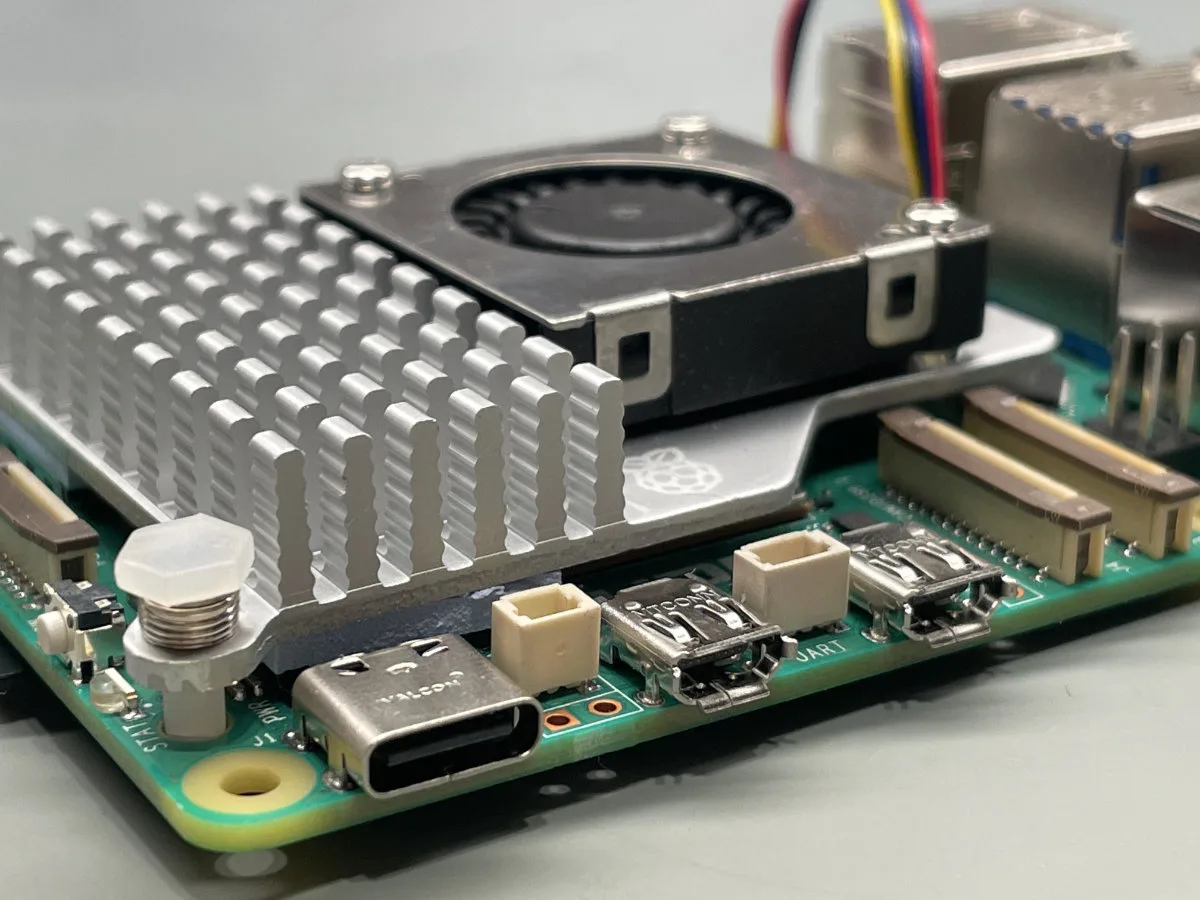
Check our full review of the Raspberry Pi 5 out here, as there’s a lot more nitty-gritty to get into. Compared to the Raspberry Pi 4, the software support is slightly worse. You also lose out on hardware-accelerated video encoding, though that might not be as important given the much faster CPU. Thermals are another concern, as the Raspberry Pi 5 gets a lot hotter than any of the previous models, meaning that you’ll likely want to pick up a cooling solution. The official Active Cooler doesn’t break the bank at $5, and does a wonderful job. There are third-party options, too, depending on whether you want something passive but chunkier, or simply more powerful.
A higher-end compromise: Raspberry Pi 5 (4 GB) or Raspberry Pi 4 (4 GB)
Unless you’re building a project to spec and know exactly why you need a certain SBC configuration, we’d never recommend spending much more than $100 on an SBC that’s going to get used for general-purpose tinkering. Mistakes happen, and we’ve burnt a Pi or two in the past, despite it being incredibly difficult to do so. The highest end (8 and 16 GB) Raspberry Pi models just don’t make too much sense for us currently — $305 (or even $165) down the drain is a bit too punishing. And even if you do decide to baby your new Pi, that’s robbing it of its true purpose.
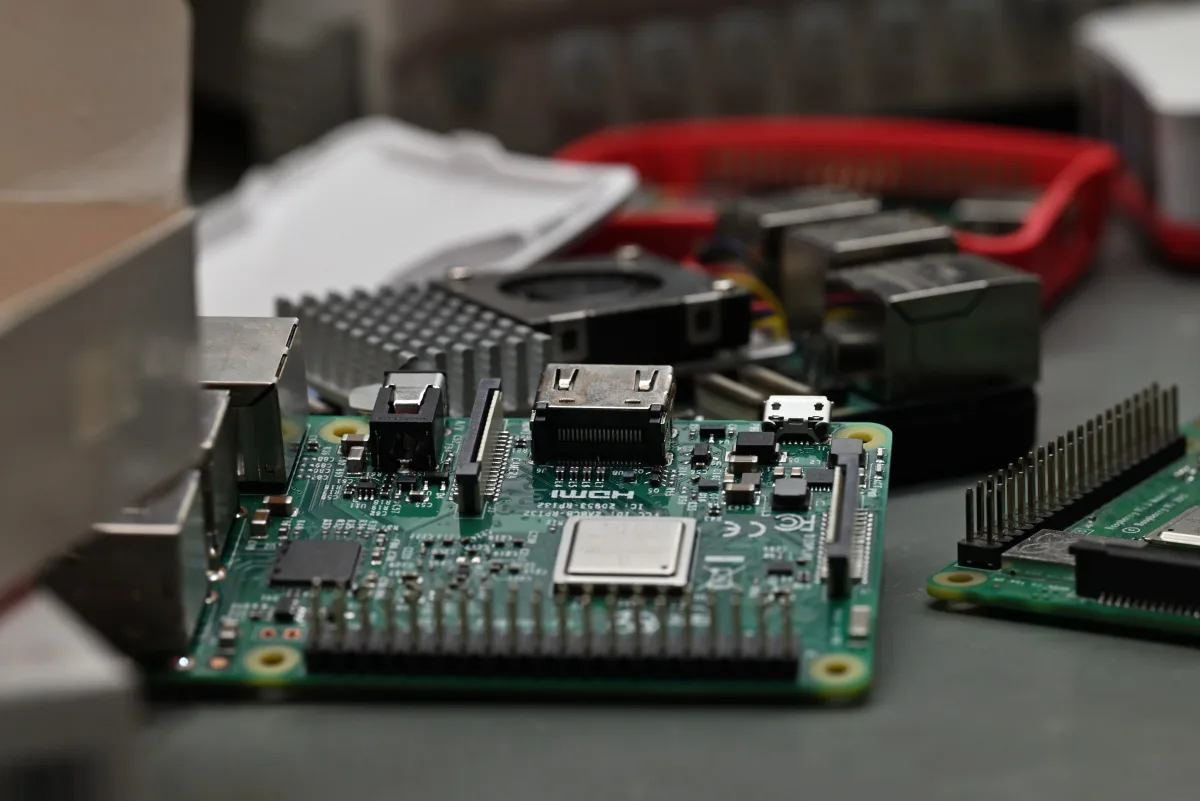
Retailing for $110 and $100, respectively, the 4 GB Raspberry Pi 5 and Raspberry Pi 4 sit at the high end of what a Raspberry Pi should cost. For just a little more, at $129, you can pick up something like a LattePanda IOTA, which comes with a much more powerful Intel N150 x86 CPU and 8 GB of RAM, but comes with tradeoffs of its own.
Both the Raspberry Pi 5 and Raspberry Pi 4 both have some unique advantages. We’ve already listed a lot of what makes the Raspberry Pi 5 an appealing choice in the previous section, so we won’t repeat ourselves — but now, with 4 GB of RAM, desktop use becomes a lot more viable, as do more demanding server workflows. A Pi like this also makes for a fine retro emulation machine or even game server, as long as you keep your expectations level. Heck, back in the day, we used to host Minecraft servers on 1 GB Raspberry Pi 3 boards off of SD cards, and we got away with it!
If you’re willing to trade in performance and connectivity for better software compatibility, the Raspberry Pi 4 is a fine choice. It also runs cooler, uses less power, and has hardware video encoding. Don’t let the $10 price difference affect your decision, as it’s much too little to play in the Pi 4’s favor. Picking a Raspberry Pi 4 up nowadays is a choice that we’d urge you to know why you’re making. (Does your project need the video encoders? Does it need to run fanless? Does your software run better on an older board?) A Raspberry Pi 5 is the better computer overall, but the Raspberry Pi 4 might be a better match in certain scenarios. If you want more info on the Raspberry Pi 4, as well as a blast from Mehatronika’s past, give our writeup on the Raspberry Pi 4 Desktop Kit a look — it’s one of our first! We’ve come a long way…
Conclusion: get what you need and not a byte more
If you can get away with a Raspberry Pi Zero 2 W, get one (or two). They’ll serve you well. If you need the extras that a Raspberry Pi 5 offers, get the one with the least amount of RAM that your project needs. Our experience shows that 1 GB and 4 GB models hit the sweet spots, but if you know that you need more than 1 GB, but can just kind of squeeze by with 2 GB, there’s a SKU for that.
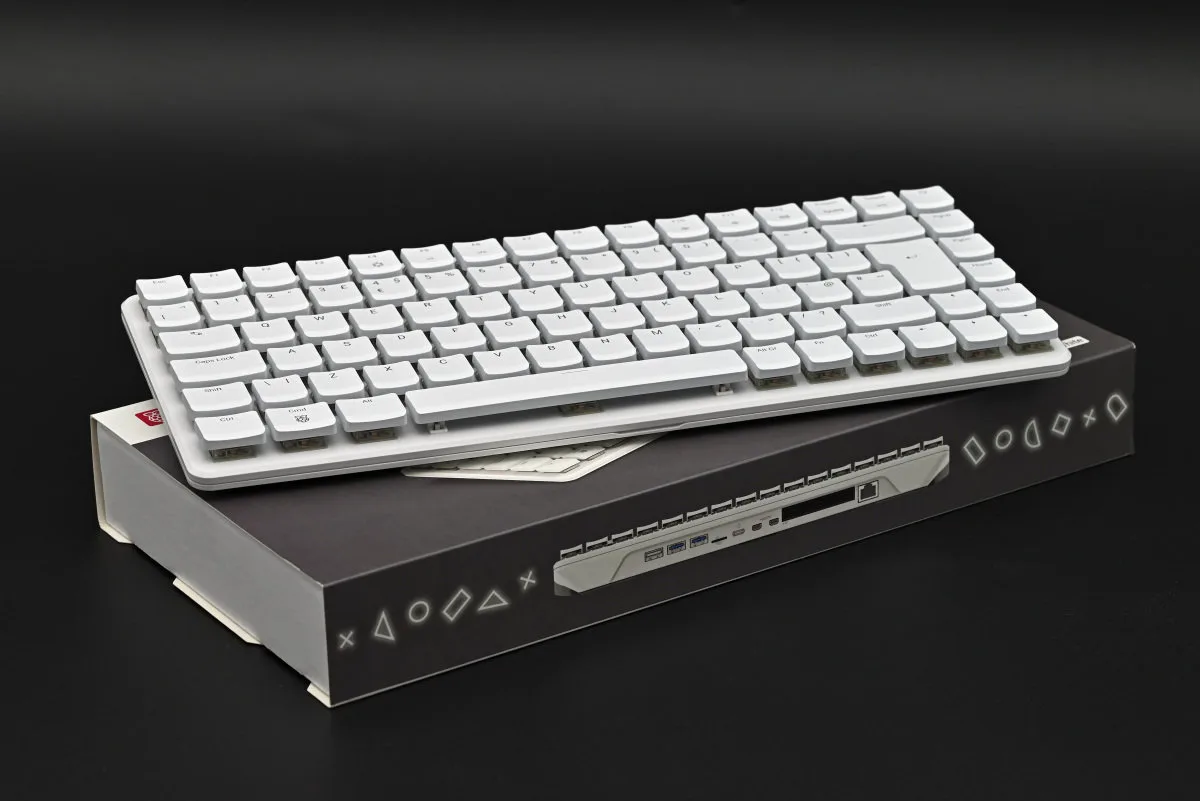
The Raspberry Pi 500 and 500+ were always showpieces, but with the new pricing, they’re not exactly rational buys. For under $400, you could pick up a second-hand M4 Mac mini, at which point… yeah. Wait for the prices to come down.
If you absolutely need a 16 GB (or even 8 GB) Raspberry Pi 5, make sure you know why you need one, so that you overpaying for RAM has at least some rhyme and reason.
As for those of us who’ve grabbed their berries before the market went down in flames? Cherish them, keep them safe, and make sure you put them to good use.

